Install Vencord
First, install Vencord. This third-party mod lets you customize Discord's appearance.
Steps to Disable Redesign
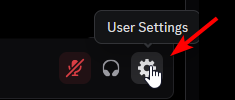
1. Open Discord, go to settings, and navigate to the plugins section.
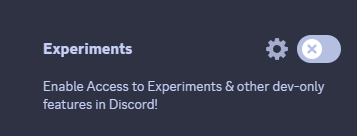
2. Enable the "Experiments" plugin.
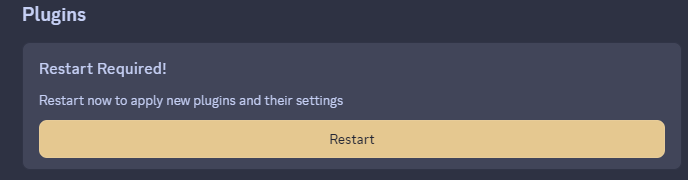
3. When prompted, restart Discord.
4. Go to user settings, scroll down until you see "Experiments," then click on it.
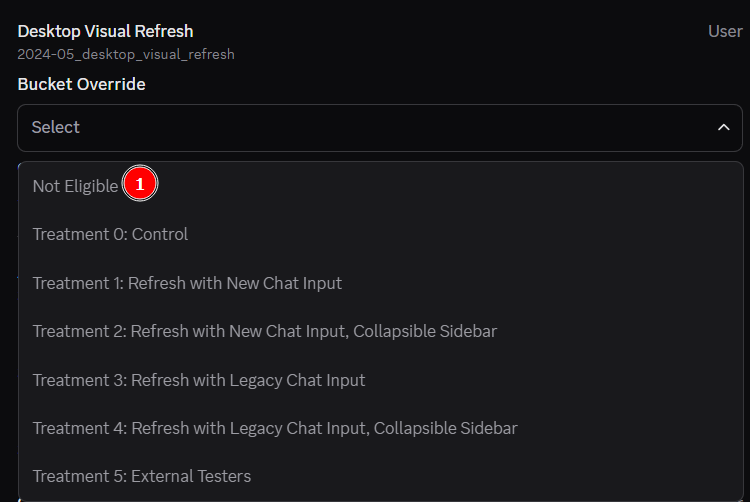
5. Locate "2024_05_desktop_visual_refresh" under "Desktop Visual Refresh."
6. In the bucket override dropdown, select "Not Eligible."